10 Order the board
After this step your boards are ordered, paid, delivered and tested.
What you do
Ask for the release. Claude runs every check again, now on the files that go to the
manufacturer. Only a run that ends with RELEASED may go out.
Parts you solder yourself
The manufacturer places what it stocks and you let it assemble. The rest you solder yourself: edakit order lists it
in hand_assembly.md and puts it into an LCSC cart.
Parts in a drawer? List them in a table, your inventory. edakit order takes from it
first and orders only the rest; hand_assembly.md says what to take out. edakit never changes the table. How to set
it up: the handbook below, section "Parts on hand".
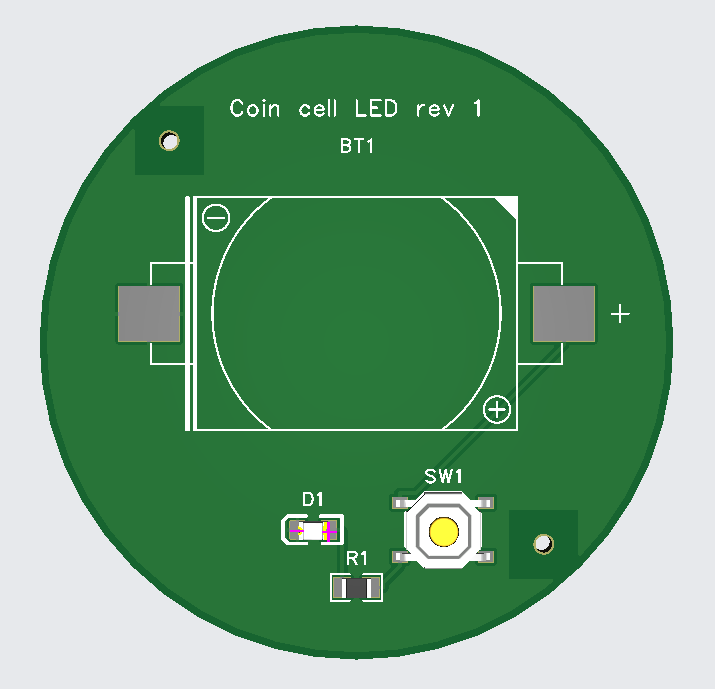
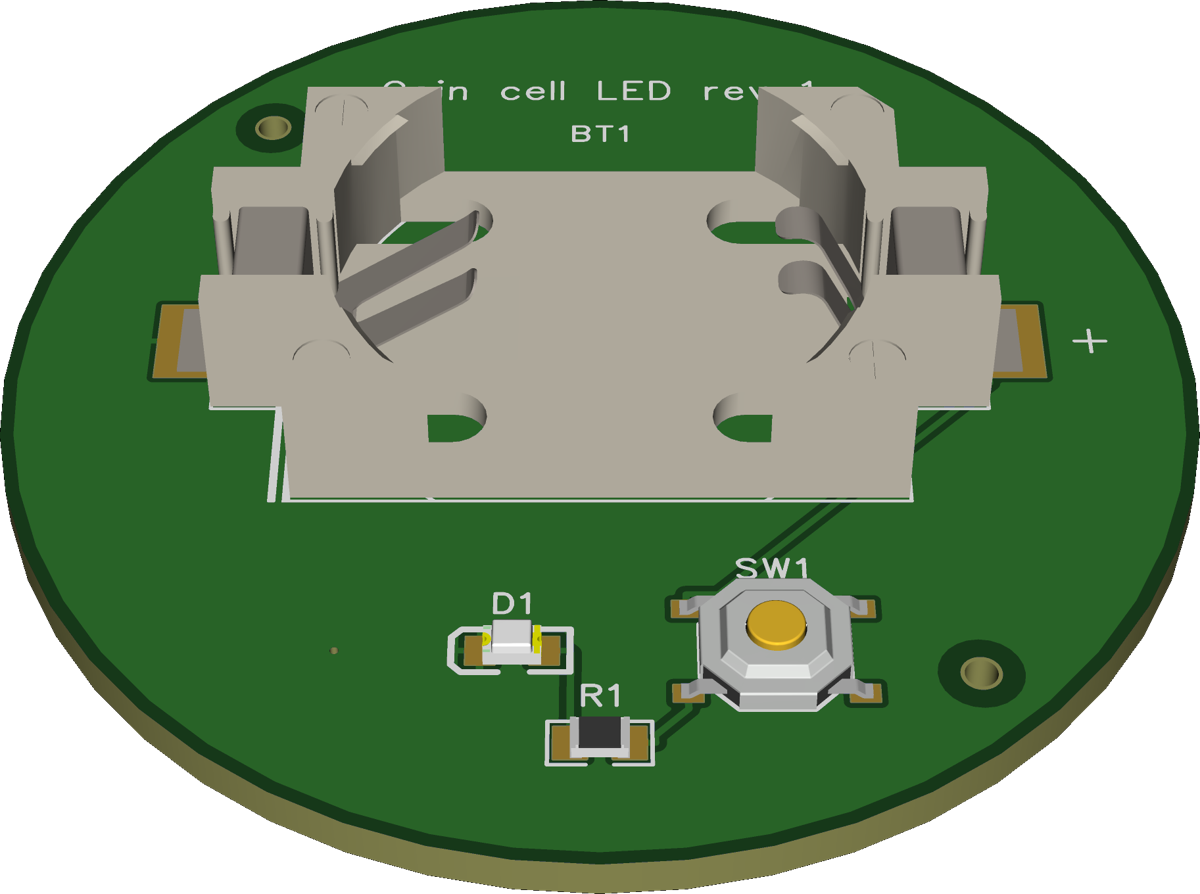
Here only the cell holder BT1 is soldered by hand, from the cart.
The manufacturer's form
Then /edakit:cart fills the manufacturer's form in your Chrome, with Claude in Chrome. Every field comes from your
project:
$ edakit cart fields
PCB
…
  PCB Qty                   5                           [project] quantity quantity = 5
  PCB Thickness             1.6 mm                      edakit       thickness_mm = 1.6
…
Claude reads every field back, checks the quote against the estimate and stops at the cart.
What you are asked
Once: the country you ship to and the shipping method.
What you decide
- Ordering and paying. Nothing in edakit orders or pays.
- M-2: the parts' orientation in the manufacturer's preview, before you pay.
- M-4: when the boards arrive, you test each one against the list the last run wrote.
For M-2 JLCPCB shows the board with its parts as they will be placed, here the walkthrough's:
BT1 comes in the LCSC cart. You solder its two tabs yourself, then the board is done:
What you have
Boards in your hand, and a record of the order in hardware/orders/. Once paid, edakit cart actual puts the real
cost beside the estimate.
Read on
- The walkthrough: Release, order, acceptance
- The handbook: Ordering